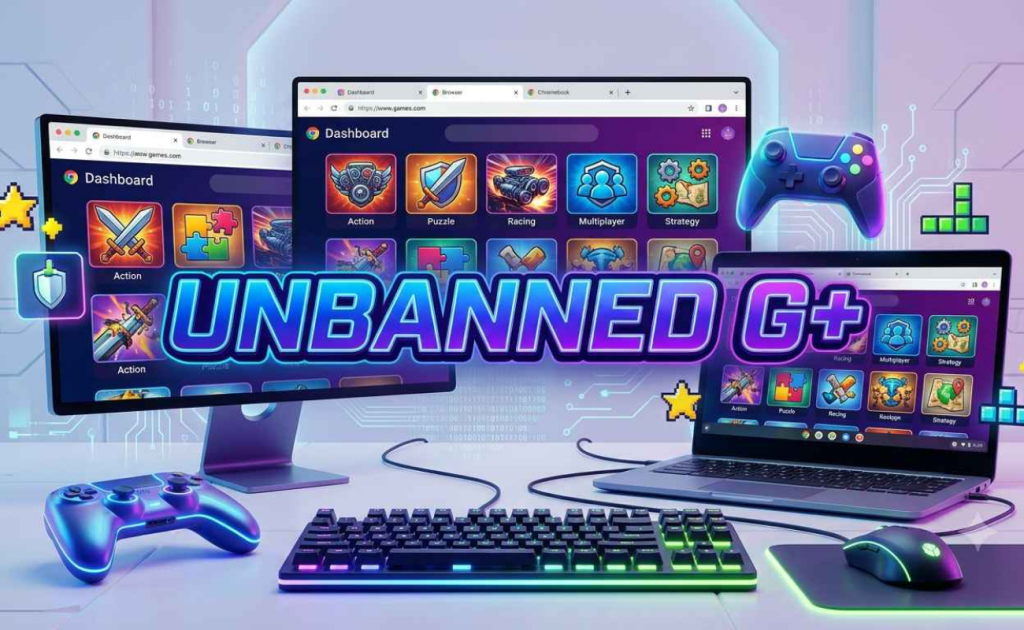
G Plus Games: What It Is, What It Offers, and Where to Find Better Options. Let’s be honest, most school WiFi blocks everything fun. You try to open a game site and boom, firewall. That’s exactly why G Plus Games became a thing. It’s a collection of browser-based games hosted on platforms like Google Sites, which somehow slip past those annoying school network restrictions. No downloads, no installs, no begging the IT guy. Just open your browser and play.
The whole “G+” thing isn’t some fancy tech term. It basically means these games live on Google Sites or similar lightweight hosting. Because of how they’re set up, school firewalls often don’t flag them. Clever, right? You get instant access to hundreds of games without needing a VPN or any sketchy browser extensions.
Everything runs on HTML5, so forget about Flash — that died years ago. Whether you’re on a Chromebook, an old laptop, or even your phone, these games load fast and play smoothly. Most don’t even need you to create an account. Click and go.
What Kind of Games Are We Talking About?
The library is huge, over 500 titles last I checked, with new stuff added regularly. Here’s what you’ll actually find:
Action and Adventure: Fast-paced stuff like Red vs Blue and Warfare 1917. These test your reflexes and strategic thinking without crossing into overly violent territory.
Puzzle and Strategy: Classics like Bloxorz, 2048, and Fireboy and Watergirl. These actually make you think, which is probably why some teachers don’t mind them.
Sports and Racing: Basketball Legends 2020, Moto X3M, Track Mania. Perfect for quick competitive breaks.
Multiplayer and IO Games: Skribbl.io, Agar.io, Krunker.io, Shell Shockers. Play with friends or random people online. The social aspect is half the fun.
The Big Hits Everyone Plays
Some games just dominate the G Plus scene:
Slope: Guide a ball down an endless neon slope. Sounds simple until you’re screaming at your screen because you missed a turn by a millimeter. Great for reaction time.
1v1.LOL: A building-and-shooting game that’s basically Fortnite stripped down to its core mechanics. Fast matches, lots of skill expression.
Happy Wheels: Ridiculous physics-based obstacle courses with ragdoll characters. Brutal, hilarious, and weirdly satisfying.
Tunnel Rush: Speed through a twisting tunnel, dodging obstacles. Tests your visual processing speed and hand-eye coordination.
BitLife: Live a virtual life from birth to death. Make choices, face consequences. Surprisingly addictive.
Why People Actually Use This Stuff
It’s not just about goofing off during class (though let’s be real, that happens). Short gaming breaks can actually reset your brain. Studies show that brief distractions improve focus when you return to work. Puzzle games sharpen problem-solving. Multiplayer titles build communication skills. And honestly? Sometimes you just need five minutes not to think about algebra.
The platform is also genuinely accessible. No powerful PC required. No storage space eaten up. Works on the beat-up Chromebook your school handed out three years ago. That’s a big deal for kids who don’t have gaming consoles or expensive setups at home.
The Safety Side
Most G Plus platforms claim to be safe: no personal data collection, no malware, no inappropriate ads. The games are supposedly vetted for school environments. But here’s the thing: because these sites operate in a gray area, they can vanish overnight. Copyright issues, domain expirations, or schools finally catching on — any of these can kill a site you’ve been using for months.
Also, let’s not pretend every “unblocked” site is clean. Some mirrors are sketchy. Stick to known sources and avoid anything asking for downloads or personal info.
The Downsides Nobody Talks About
G Plus Games isn’t perfect. The games are mostly simple browser titles; don’t expect AAA graphics or deep storylines. Ads can pop up on some mirrors (though the better ones keep it minimal). And yeah, playing during class when you should be paying attention? That’s on you, not the platform.
Plus, these sites get blocked eventually. It’s a cat-and-mouse game with school IT departments. Today’s working link might be dead tomorrow.
Better Alternatives Worth Checking
If G Plus goes down or you’re looking for something more robust, here are solid options:
Cool Math Games: Been around forever, actually educational, and most schools allow it.
Poki: Huge library, clean interface, works on everything.
CrazyGames: Fast loading, good variety, no account needed.
Unblocked Games 6x: Similar concept to G Plus, reliable mirrors.
Actual mobile games: If you have a phone, download something proper for offline play.
Final Word
G Plus Games fills a niche that shouldn’t even exist, kids wanting to play games on networks that block everything. It’s free, it’s easy, and it works. The game selection is solid for what it is, the accessibility is unbeatable, and the zero-cost barrier means anyone can jump in.
But it’s not a long-term solution. Sites come and go. Quality varies. And at some point, you’ll want games with more depth than a browser can offer.
For what it is — a quick, free, no-hassle way to kill time or take a mental break, G Plus Games delivers. Just don’t build your whole gaming life around it.
This is the official Editor account and in charge of maintaining all the content in the website. Team Captionall research high quality accurate content & write SEO friendly content to ensure the quality content for our visitors. For any query & support please contact with our support team. Thank you for visiting captionall.com.